Chosen Canva Frame Template Design: Elevate Your Visuals
There's a moment in every creative project where the placeholder needs to become the protagonist. You have a stunning photograph, a piece of digital art, or a brand graphic that deserves more than just sitting flat on a page. This is where the Chosen Canva Frame Template Design steps in, offering a sophisticated solution that transforms standard images into curated visual statements. It’s not just about cropping an image; it’s about framing an idea with intention and style.
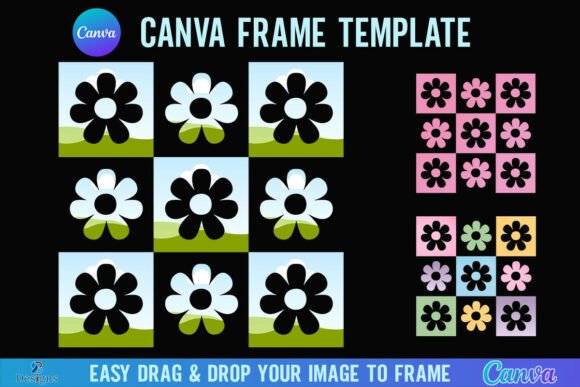
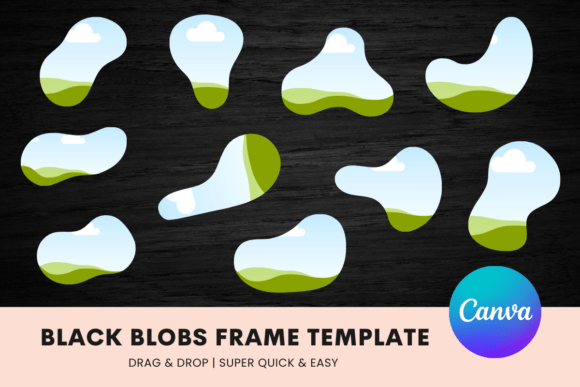
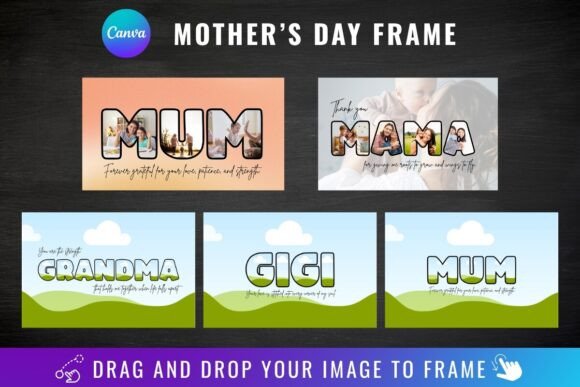
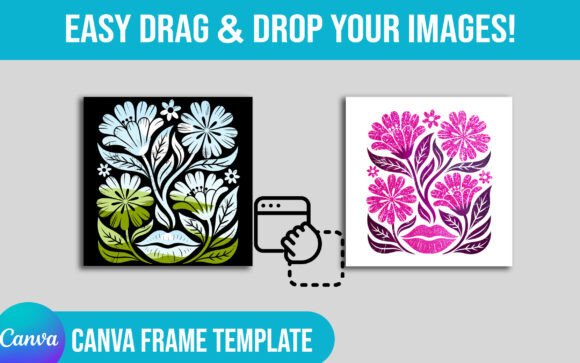
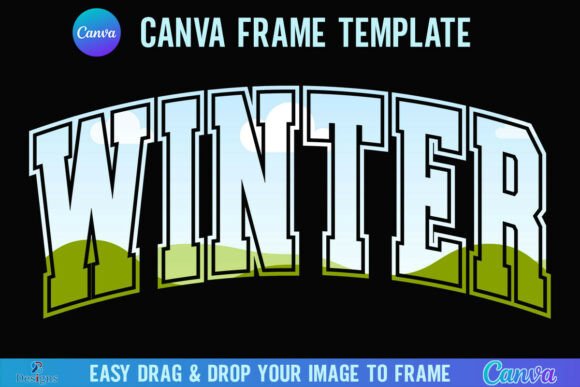
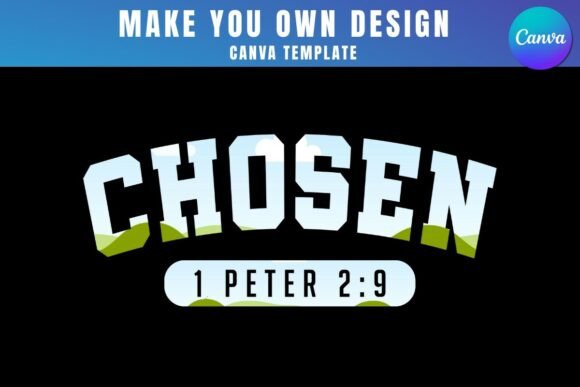
At its core, this product provides a direct link to a collection of Canva frame templates. Inside the zip file, you’ll find a PDF that guides you to these assets, ready to be edited within Canva’s free platform. The concept is elegantly simple: drag and drop your PNG or JPG background images into these pre-designed frames. The frames themselves are the visual character—think organic shapes, elegant arches, modern geometric cuts, and textured borders that add depth and a tactile feel to digital compositions. They carry a personality that feels both contemporary and timeless, making them versatile for a range of projects.
Where These Frames Truly Shine
The practical applications for the Chosen Canva Frame Template Design are extensive, particularly for professionals and creators who need to produce polished visuals quickly. For logo design and brand identity work, these frames can present brand marks or product shots within a consistent, styled environment across presentations and brand guidelines. In editorial design and packaging design, they offer a way to create visually compelling mockups or layout elements that feel handcrafted and premium.
Digital spaces are where this template truly excels. Social media graphics for Instagram, Pinterest, or Facebook ads gain an immediate upgrade. Instead of a square image, you can showcase a product within an elegant arch frame, adding a layer of sophistication that stops the scroll. For web design, these frames can be used to create hero images, testimonial sections, or portfolio displays that break the monotony of standard rectangular grids. Bloggers and publishers will find them invaluable for creating standout featured images or chapter dividers in digital magazines.
The value extends into personal and commercial projects alike. Small business owners can use them to design unique product listings or thank-you cards. Crafters and hobbyists might use them to create custom invitations, art prints, or photo albums with a professional finish. The key is the ability to maintain a high-quality aesthetic without needing advanced design software or skills.
Integrating Frames into Your Design Workflow
Adopting a new design asset requires a thoughtful approach. Here’s how to get the most out of the Chosen Canva Frame Template Design. First, evaluate the visual personality of the frames against your project's tone. Are the shapes and styles aligning with your brand's modern, playful, or elegant vibe? Test them with your actual imagery. A frame that looks beautiful empty might clash with your color palette or compete with your subject matter. The goal is harmony, where the frame enhances the image without overwhelming it.
Consider the practicalities of your project's needs. A critical detail to note: to download your final design with a transparent background, you will need a Canva Pro account or higher. This is essential if you plan to overlay your framed image onto other backgrounds or complex compositions. For those using the free version of Canva, you can still work within the templates and download with a solid background color.
Think about consistency across your brand. Using the same frame style across your social media posts, website banners, and marketing materials can become a recognizable part of your visual hierarchy. This subtle repetition builds brand perception and professionalism. It tells your audience that every detail is considered.
Remember, these templates are exclusively designed for Canva. They are not compatible with SVG formats or cutting machines like Cricut or Silhouette. This specificity is also their strength—they are optimized for a seamless drag-and-drop experience within one of the world's most accessible design platforms.
Practical Considerations and Final Thoughts
Before diving in, a few final points. This is a digital product; no physical frames will be delivered. A free Canva account is all you need to open and edit the templates, making the barrier to entry exceptionally low. The process is designed for efficiency: open the link, choose your frame, drop in your image, adjust, and download.
The true power of a tool like the Chosen Canva Frame Template Design lies in its ability to democratize good design. It provides a library of design assets that can elevate a project from amateur to polished in minutes. For the entrepreneur crafting their first ad, the blogger creating a header image, or the designer looking for a quick mockup solution, these frames offer a practical, stylish shortcut. They solve a common problem—how to present visuals with more character and cohesion—without a steep learning curve or significant investment. In a digital landscape crowded with content, these thoughtful details are what make your work stand out.